

Insight reports: topics and sentiment
The insight reports look inside your chats: what customers ask about, how they felt, and what they wrote when they rated a chat. Each one uses the period, filters and exports described in Reports.
Reports -> Insights
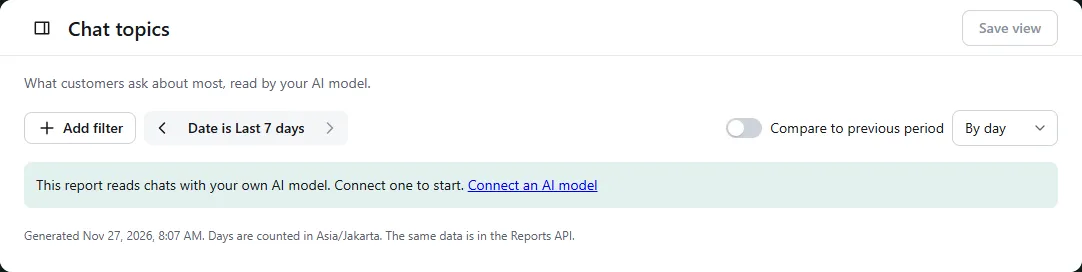
Chat topics and Sentiment are read by your own AI model from finished chats. Until you connect one, they show “This report reads chats with your own AI model. Connect one to start.” with a link to AI model. Switching off the matching AI feature also stops them.
Chat topics
Section titled “Chat topics”What customers ask about most. The tiles show Chats with topics and Chats. The table lists the 50 most frequent topics, each with its Chats and its Share of the chats that have topics. Use it to find questions worth a canned response or an answer for your AI agent.
Sentiment
Section titled “Sentiment”Positive, neutral and negative chats. The tiles show how many chats were Positive, Neutral and Negative, and the Average score. The table has the same numbers per agent.
Rating comments
Section titled “Rating comments”What customers wrote with their rating. The tiles show how many ratings came With a comment, and the Rated good and Rated bad totals. The list has one row per comment, newest first, with when it was Rated, the Rating, the Comment and the Agents in the chat. It comes in pages of 25.
Reviews
Section titled “Reviews”Good ratings with longer comments (at least 40 characters), worth sharing, for example on your website. The list has the same columns as Rating comments.