

Trusted domains for your chat widget
Trusted domains limit which websites may show your chat widget. With no domain listed, any site may embed it. Once you add one, only sites on the listed domains can.
Settings -> Security -> Trusted domains
Owners, vice owners and admins can use this page.
Add a trusted domain
Section titled “Add a trusted domain”- In the Domain field, type the domain, for example
your-site.com. You can paste a full address such ashttps://shop.your-site.com/cart- only the domain is kept. - Click Add domain.
The domain appears on the Trusted tab with the date it was added. Trusting a domain trusts its subdomains too: your-site.com also covers shop.your-site.com.
If what you typed is not a domain, the field says Not a domain and the button stays disabled.
Add a site the widget has loaded on
Section titled “Add a site the widget has loaded on”The Seen on tab lists websites where your widget has loaded that no trusted domain covers, newest first, with when each was Last seen.
- Open the Seen on tab.
- Click Add to trusted next to the site.
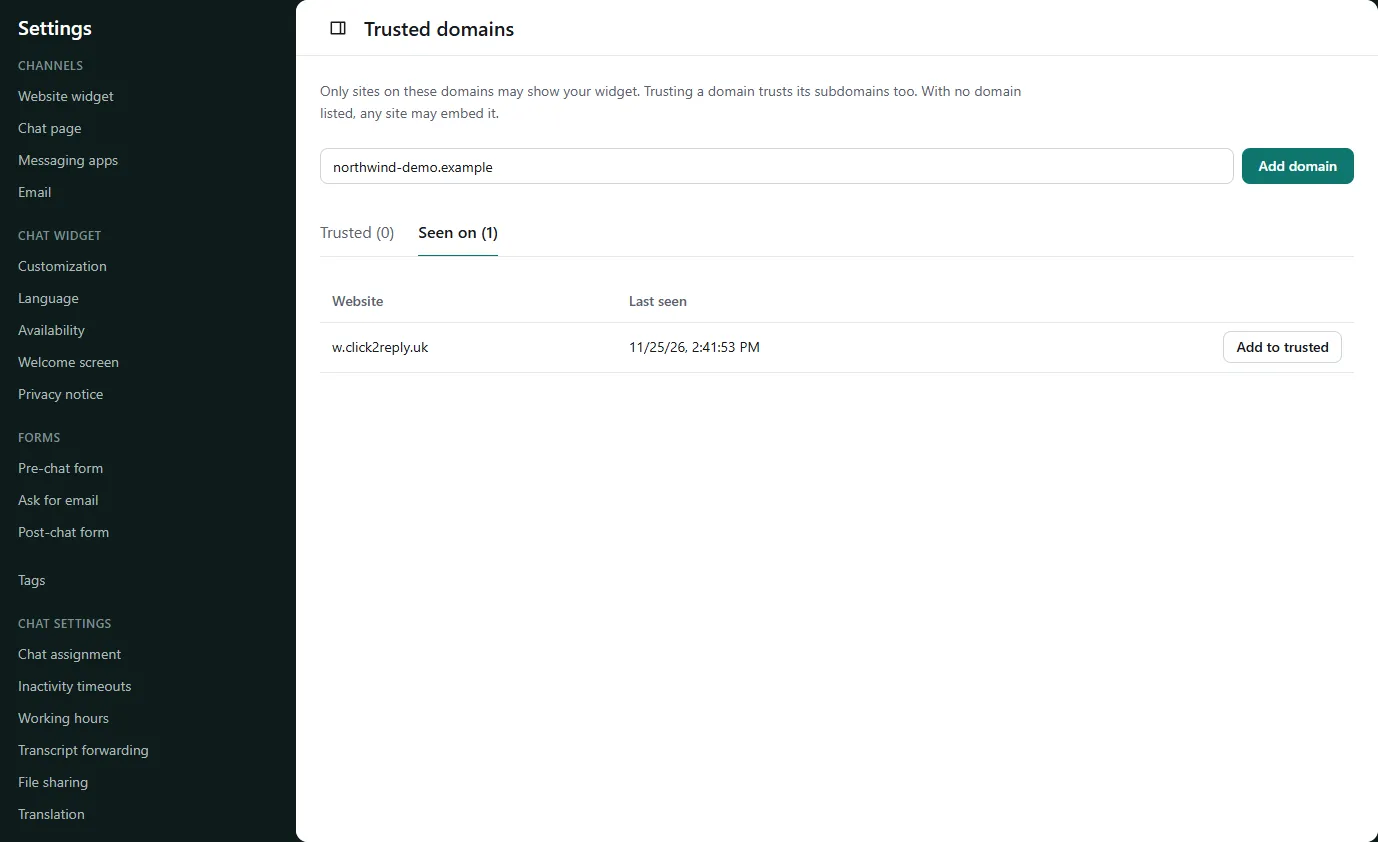
This is the quickest way to trust every site you already use before you turn the list on.
Stop trusting a domain
Section titled “Stop trusting a domain”- On the Trusted tab, click Remove next to the domain.
- Confirm with Remove.
If other domains stay on the list, the widget stops loading on the one you removed. Remove every domain to let any site show the widget again.
Related
Section titled “Related”- Website widget - install the widget on your site
- Banned customers