

Tickets: follow up after a chat ends
A ticket is a follow-up on a chat that outlives the chat itself: a refund to check, an order to chase, a question someone has to come back to. Every ticket belongs to one chat and its customer.
Tickets in the rail
You see Tickets when you can work on chats. A custom role without the chat access permission sees neither Chats nor Tickets and is not routed chats (see Roles and permissions). If you may not see every chat, you see the tickets on chats you can see, plus the tickets assigned to you.
Create a ticket
Section titled “Create a ticket”- From a chat: open the chat’s actions and choose Create ticket. See Create a ticket from a chat.
- From a workflow: add the Create a ticket action in Workflows, and a ticket is created each time the workflow runs.
Find a ticket
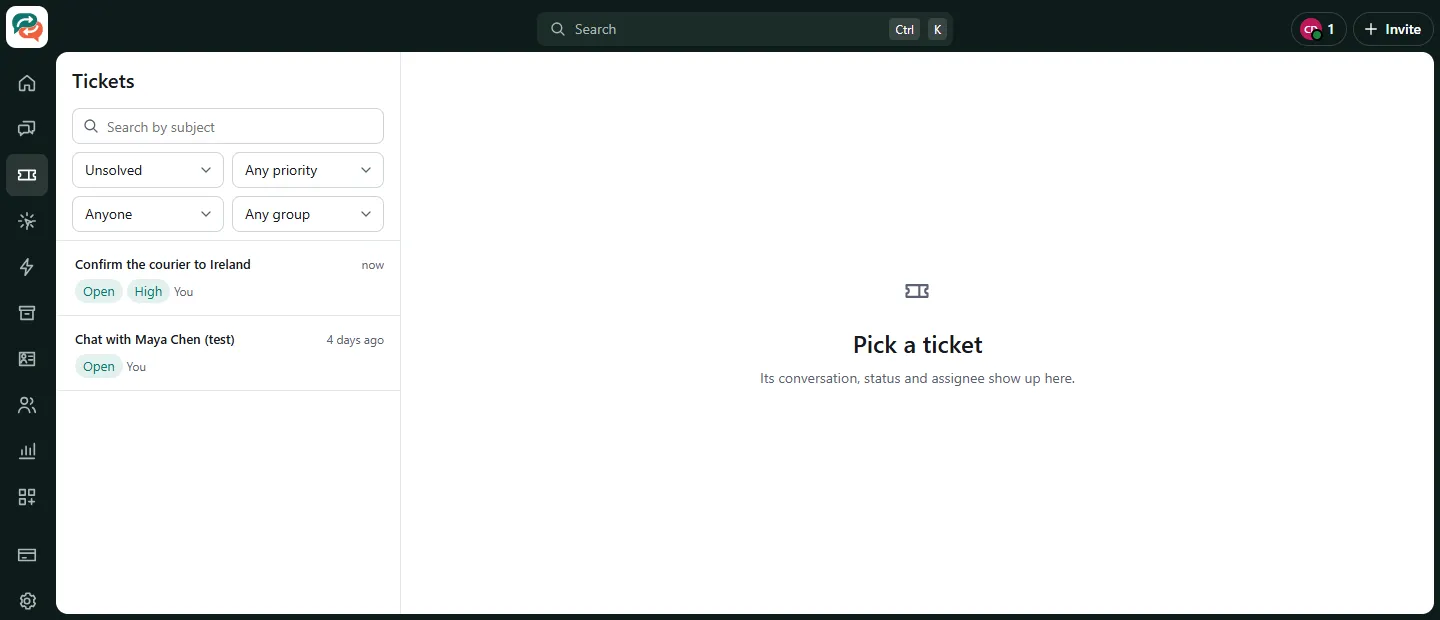
Section titled “Find a ticket”The list shows Unsolved tickets by default: the open and pending ones. Switch the view to Open, Pending, Solved, Spam or All tickets.
- Filter by priority, by assignee (Assigned to me, Unassigned or a teammate) and by group.
- Search by subject.
- The newest update comes first. Click Load more for older tickets. The list refreshes when you come back to the window.
Work on a ticket
Section titled “Work on a ticket”Click a ticket to open it. It shows the chat’s conversation; click Show earlier messages for past threads.
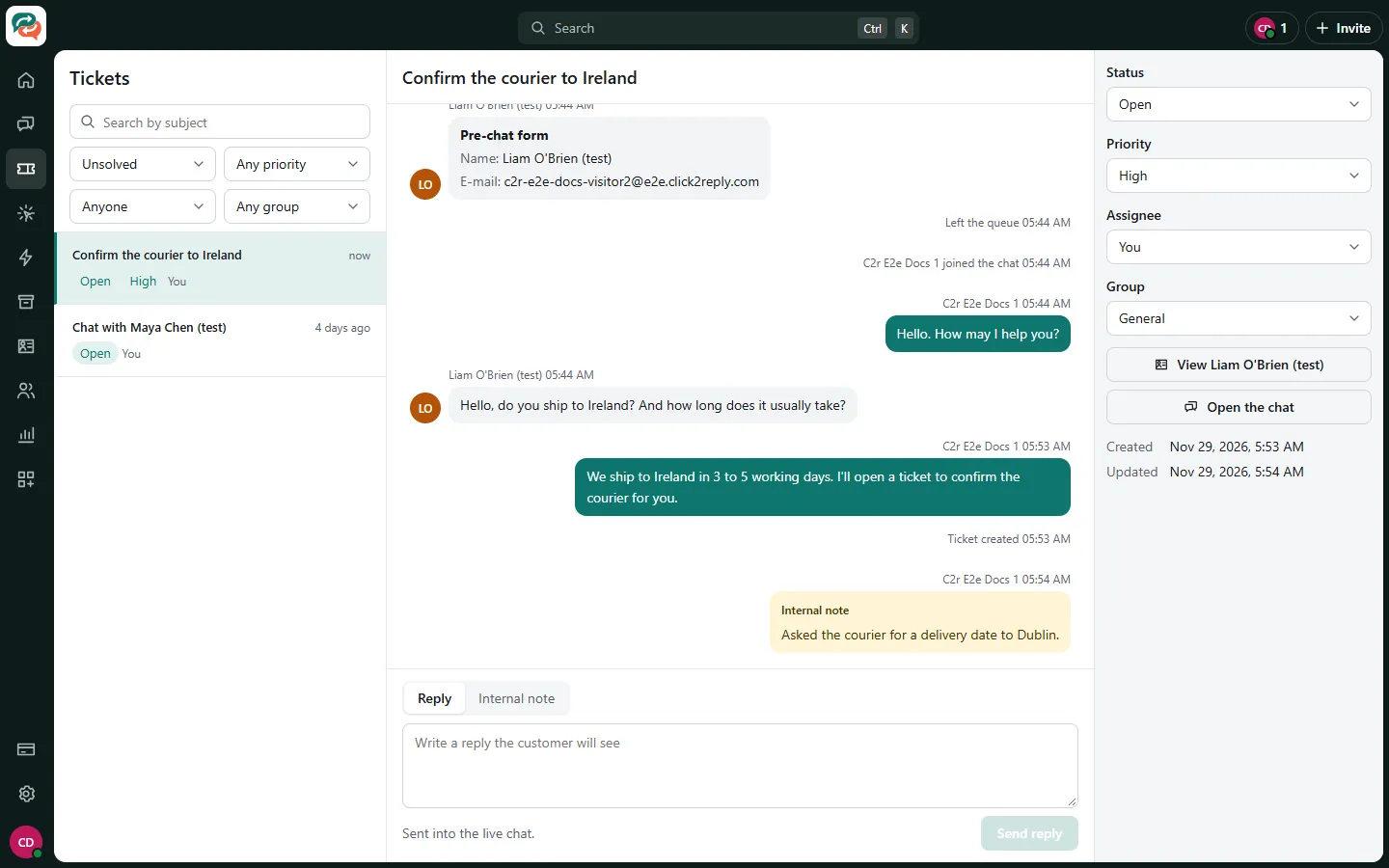
- Reply sends a message the customer sees. If the chat is closed, your reply reopens it. The customer gets your reply the way they get any agent reply in that chat: through its channel (an email chat by email), or by email from a website chat when offline reply emails are on in the chat settings.
- Internal note is seen only by agents, up to 1024 characters, and shows in the chat as “Ticket note from” and your name.
- Status, priority, assignee and group save as soon as you change them. Marking a ticket Solved records when it was solved.
- Links take you to the customer’s profile and to the chat.