

Chat translation with your AI model
Translation lets agents and customers chat in different languages, using your organization’s own AI model. Without a connected model it stays off.
Settings -> Chat settings -> Translation
Owners, vice owners and admins can change this page. Agents can open it but see the settings read-only.
Before you start
Section titled “Before you start”Connect a model on the AI model page first. The page links there with AI model settings.
Set up translation
Section titled “Set up translation”- Turn on Translate chats.
- In Agents read and write in, pick the language your agents work in.
- Tick what to translate:
- Translate customer messages for agents
- Translate agent replies for customers
- Click Save changes.
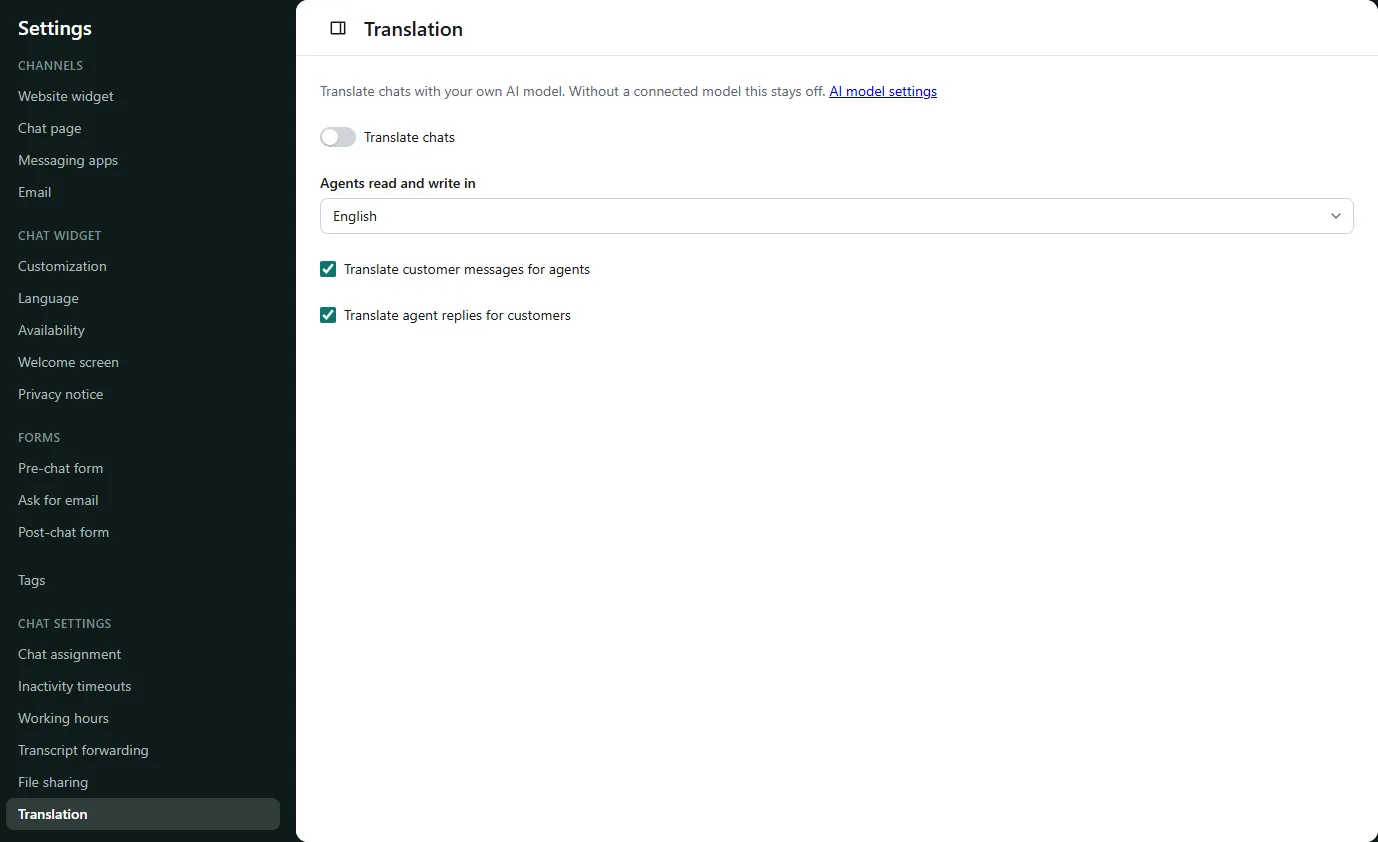
A new organization starts with translation off, English as the agents’ language, and both boxes ticked. The setting applies to the whole organization.